


The cycling app that follows the signs
All waymarked cycling routes and cycling nodes in Belgium and the Netherlands, on your phone, your watch and in your browser. Free, no subscription.


Find your next ride
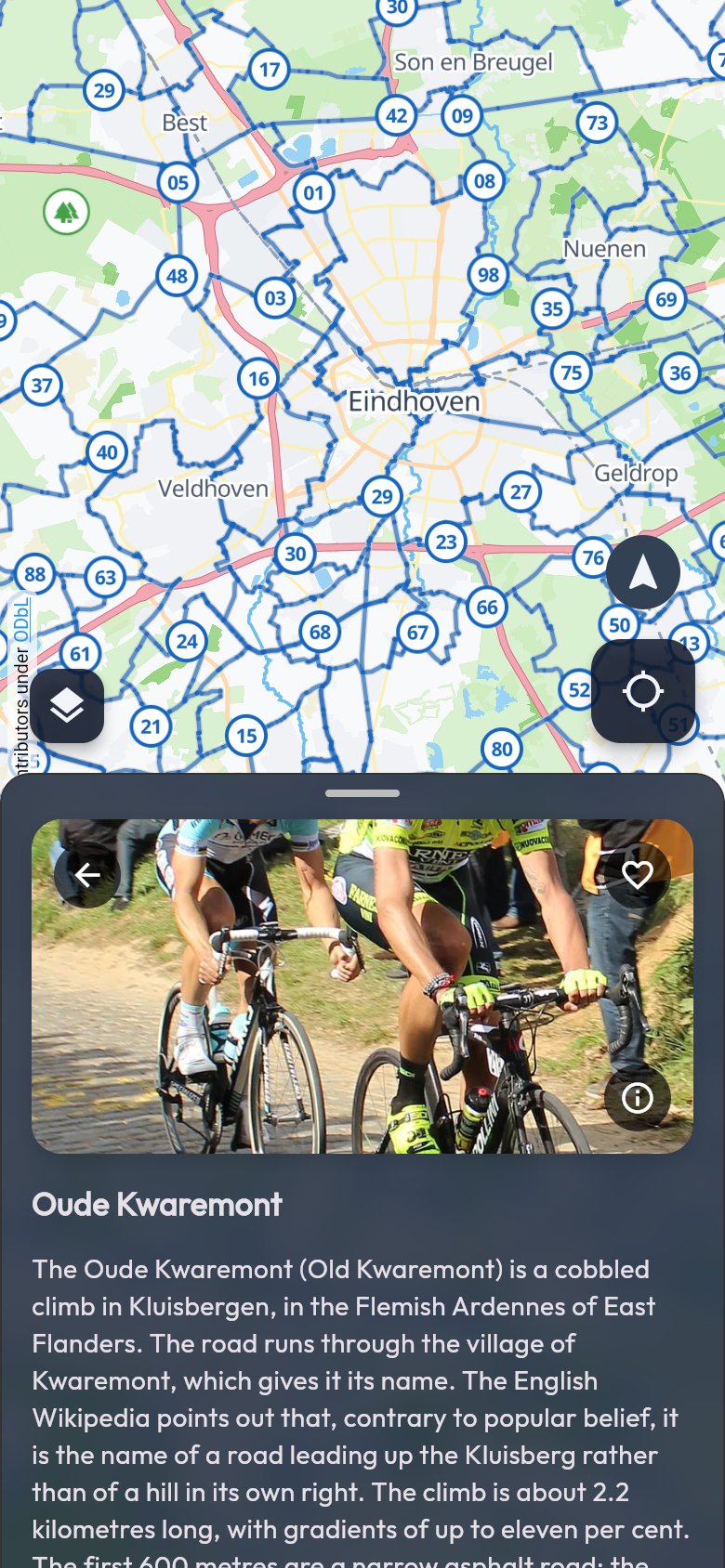
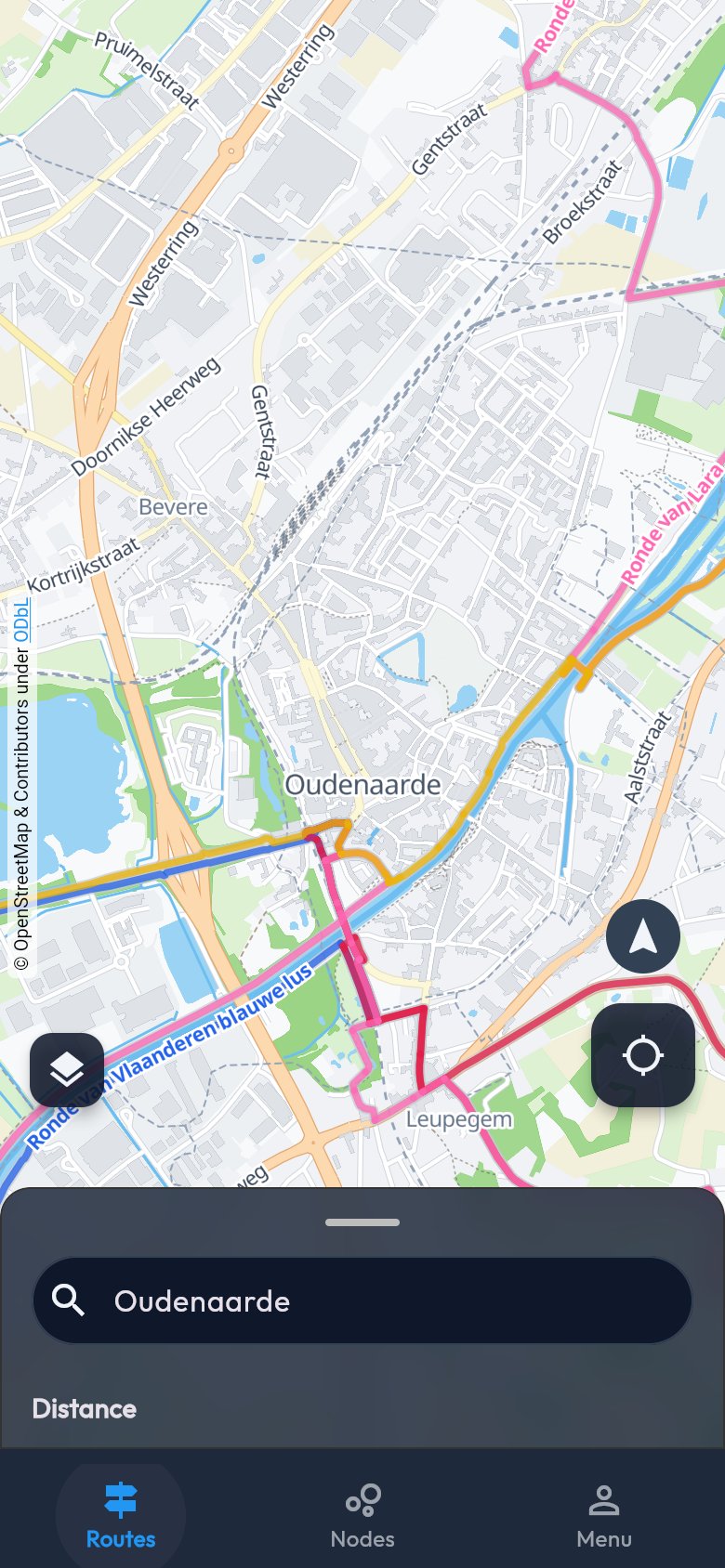
All waymarked cycling routes of Belgium and the Netherlands on one map, with what there is to see along the way.
-
All cycling routes on one map
Themed routes, icon routes and mountain bike trails, each in its own colour.
-
Search and filter
Search for a place and pick your kind of ride: a themed route, a long icon route or mountain bike.
-
Sights with a story
Castles, mills, climbs and viewpoints along your route, with a photo and a text we check ourselves.
-
Choose your kind of ride
Themed routes past beautiful places, icon routes and RAVeL lines for long rides, or mountain bike trails in the woods. Each kind has its own filter.
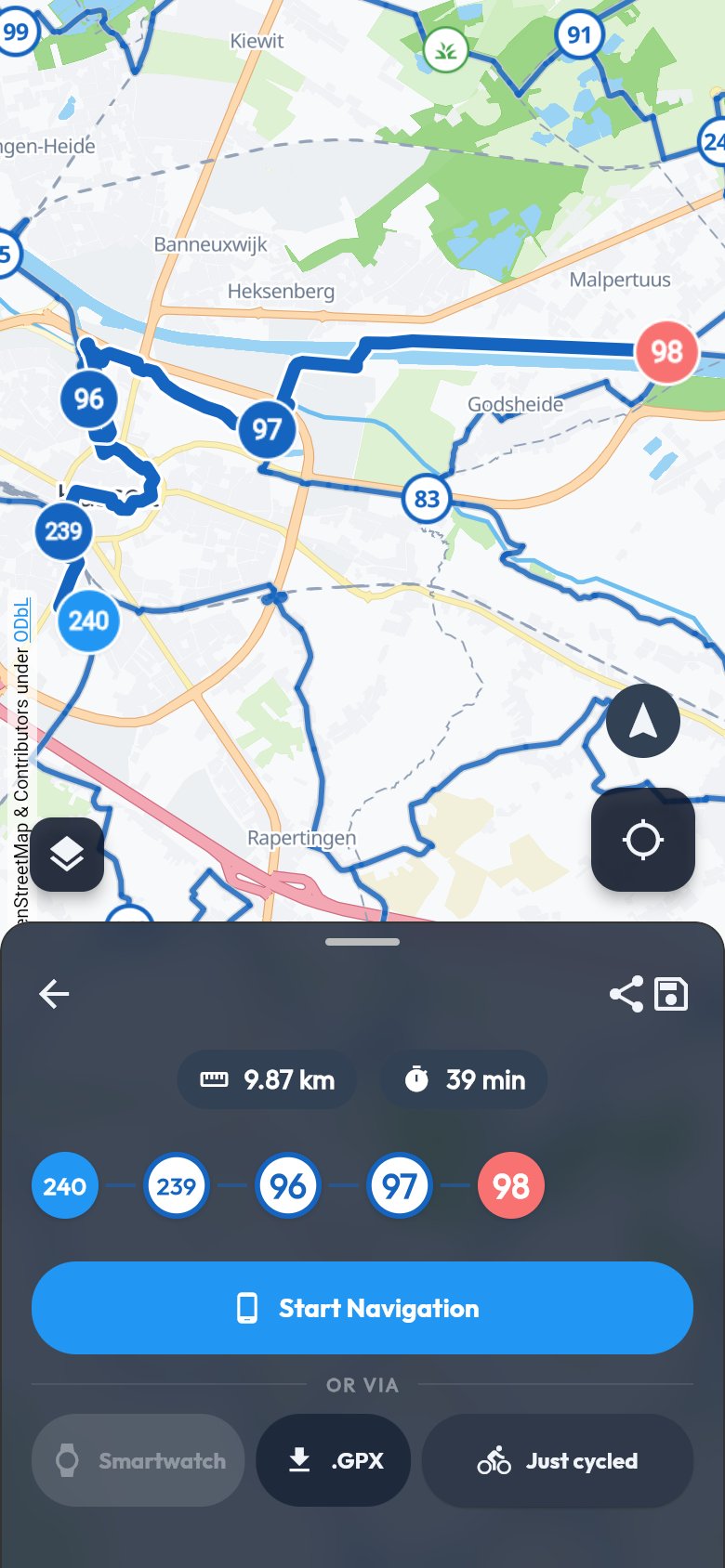
Make your own loop along the nodes
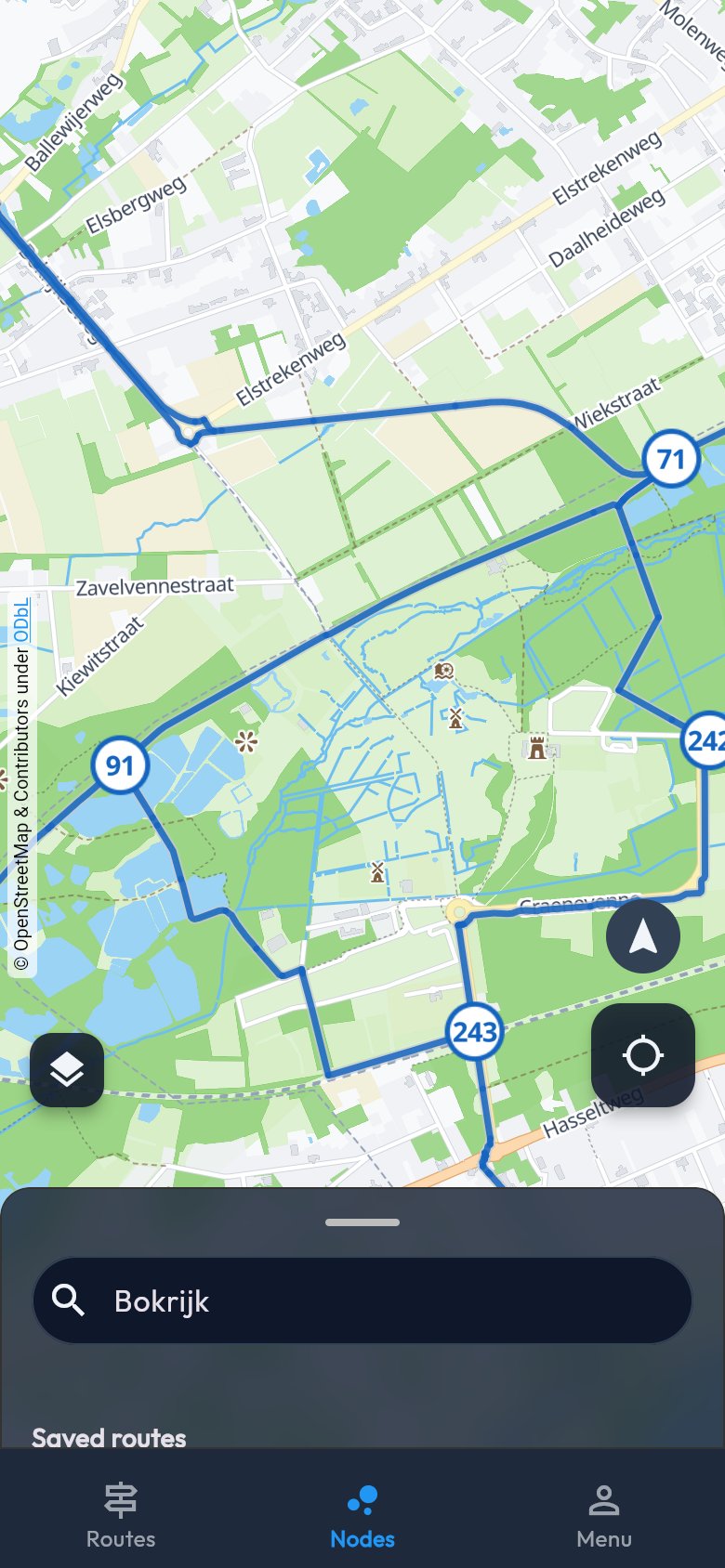
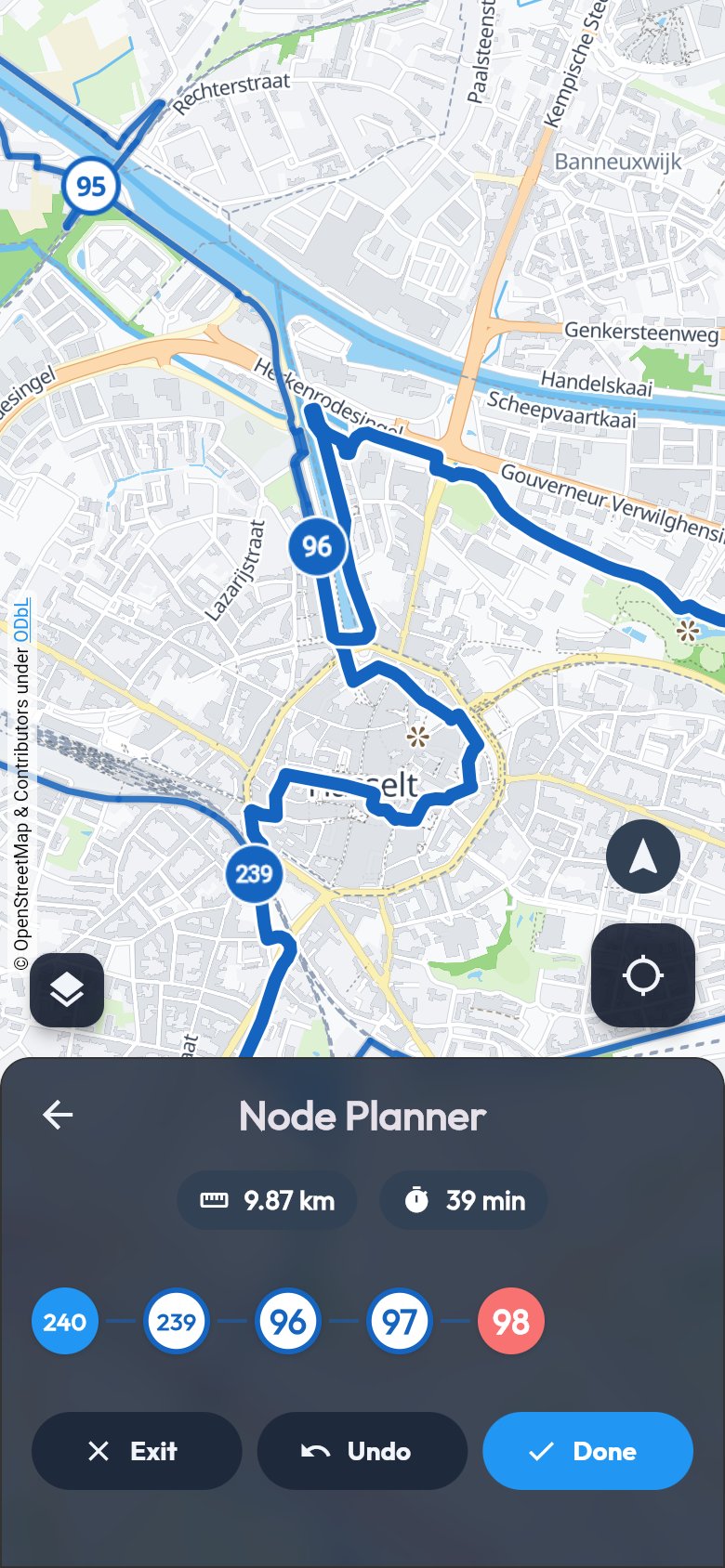
Pick the numbers you want, the app finds the way between them and works out distance and time.
-
Node planner
Tap the cycling nodes in the order you like. The app finds the connections and shows distance and time.
-
Straight on your way
Start the navigation, or send your loop to your Wear OS or Apple Watch.
-
Save, share and GPX
Save your favourite trails, share them with a link or export them as GPX to another app.
Free. Really free.
No subscription, no paid regions, no account needed. An account is only there to keep your trails and places.
- No subscription
- No paid regions
- No account needed
 Voice and vibration
Works without signal
Follow the signs, the app follows along
On the way you look at the road, not at your screen. When in doubt, the app helps you on.
-
Made for waymarked trails
We show the trails and nodes that are actually signposted, with the same symbol as on the posts. So on the way you simply follow the signs.
-
Join wherever you like
Start where it suits you, not necessarily at the start. The app works out which way you are riding, even if you turn around halfway.
-
Voice and vibration guidance
Hear and feel where to turn, and get a nudge when you leave the trail.
-
Works without signal
A route you have opened stays on your device. Even on a remote stretch, you just keep riding.

Leave your phone at home
Send a trail to your Wear OS or Apple Watch and it navigates on its own, with the next node big on the screen.
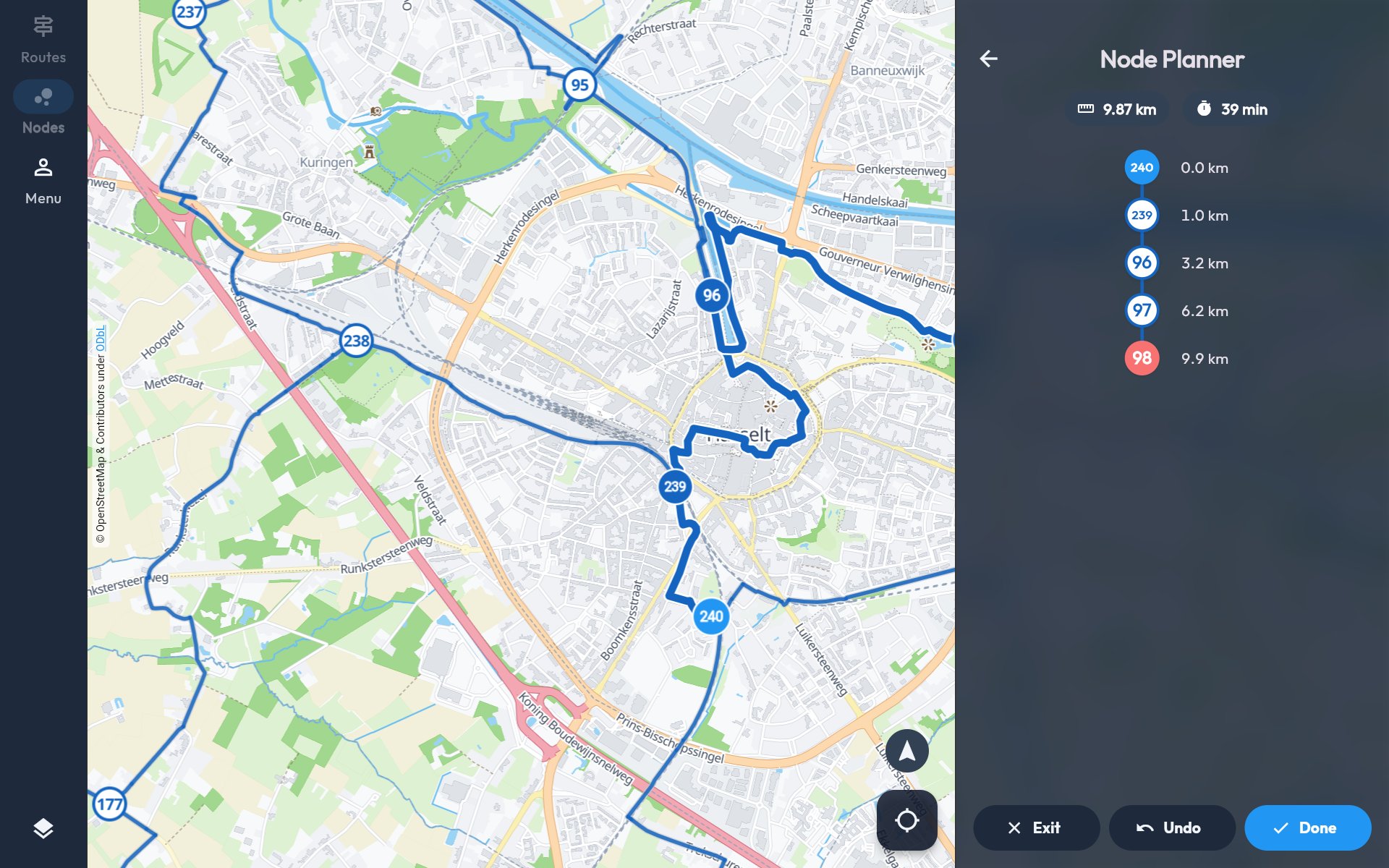
Plan at ease on the big screen
Plan your ride in your browser and print the map if you like.
-
Nothing to install
The map and the planner simply work in your browser, on your computer or tablet.
-
Kilometres at every node
On a big screen you see next to every node how far you will have cycled by then. Handy to plan a break.
Your ride, saved
With a free account you keep your rides and photos in your profile and follow your cycling buddies.
-
All your rides in your profile
Distance, time and speed of every ride, one below the other in your profile, together with your photos.
-
No recording needed
With Just cycled you add a route to your profile afterwards, even if you did not record anything on the way.
-
Photos on the trail
Add up to 10 photos to your ride. Public photos appear on the route, so others see what is waiting for them.
-
Follow your cycling buddies
Follow other cyclists and see their rides and photos. You choose who sees yours: everyone, your followers or only you.
Frequently asked questions
Is the app really free?
Yes. There is no subscription and you do not pay for regions or extra maps. You do not need an account, only to keep your routes and rides.
Does the app work offline?
A trail you have opened is stored on your device. If you lose signal on the way, you just keep navigating. To find new trails you do need an internet connection.
Which areas does the app cover?
Belgium, the Netherlands and Luxembourg, and North Rhine-Westphalia in Germany. The trails come from OpenStreetMap and official tourism sources and are updated every week.
What are cycling nodes?
Numbered signs at junctions of the cycling network. You choose a series of numbers and follow the signs from one node to the next. In the app you tap the numbers and see the distance right away.
Can I send a trail to another app or my watch?
Yes. You can export every trail as GPX, send it to your Wear OS or Apple Watch, or share it with a link. Anyone who opens the link without the app sees the trail in the browser.
Which devices does the app run on?
Android phones and iPhones, Wear OS watches and the Apple Watch, and your computer in the browser.
